3 September 2026LANTEK Computers
A medical practice holds some of the most sensitive information any small business holds, usually on the smallest budget, frequently with no technical staff, and often on equipment that was chosen by whoever supplied the practice management software.
That combination is why practices come up so often in these conversations. Nothing below is legal advice, and the professional obligations that sit alongside POPIA are for the practice’s own advisers to confirm.
Why the bar is higher here
POPIA gives certain categories of information additional protection beyond ordinary personal information, and information concerning a person’s health is generally treated as falling into that more protected group.
Practically, that means two things. The circumstances in which you may process it are narrower. And what counts as reasonable security under Section 19 is assessed against the sensitivity of the information, so the same measures that would be reasonable for a landscaping business’s client list are not automatically reasonable for a patient file.
On top of that sit the practice’s professional confidentiality obligations, which predate POPIA and in some respects go further. The two overlap rather than replacing each other. Confirm the professional side with your own advisers, and be cautious about anything an IT supplier tells you about health regulations.
The pattern we find in practices
Consistently, and none of it through negligence.
The practice management data lives on the reception computer. Set up that way by the software supplier because it was the simplest arrangement for a small practice. It means the practice cannot work if that machine is off, that machine never gets updated properly because it must stay on, and it is frequently outside whatever backup exists.
Everybody uses one login. Usually at reception, sometimes throughout. Convenient, and it means there is no record of who accessed which patient’s file. For information this sensitive, that absence is itself a finding, and it is the one that becomes acute if a patient ever asks who looked at their record.
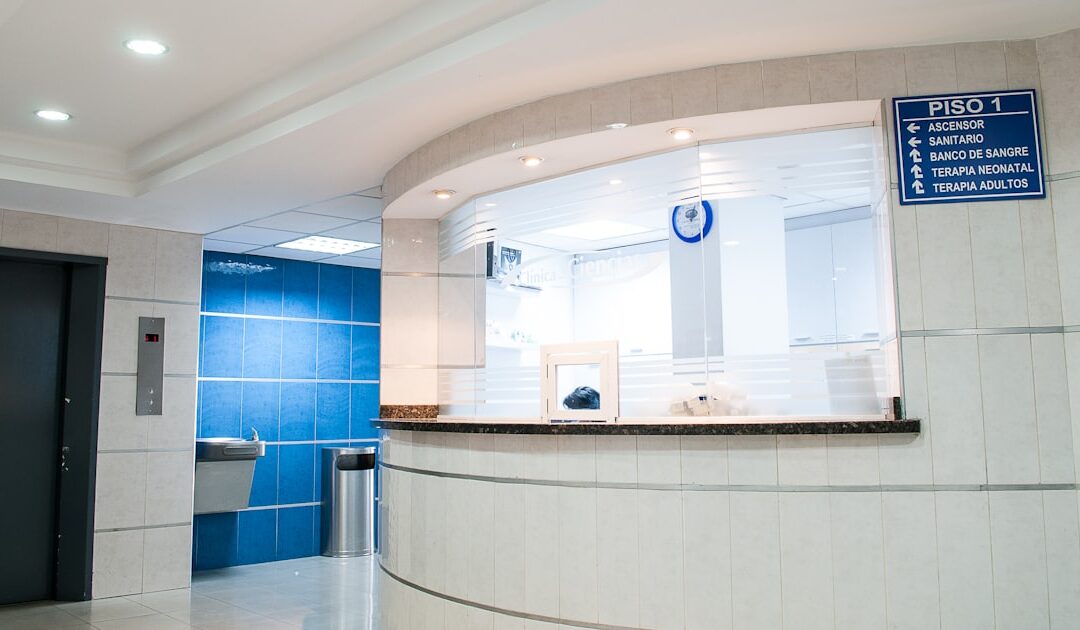
The screen at reception faces the waiting room. The most overlooked exposure in any practice. A patient’s information visible to the next patient is a disclosure, and it needs no technology to fix: turn the monitor, add a privacy filter, set a short screen lock.
Backups exist and have never been restored from. Universal, and the consequences here are worse than most, because a patient record cannot be reconstructed from memory.
Results and referrals move by ordinary email. Sometimes to personal addresses, because that is what a colleague gave. Worth a considered decision rather than a default.
Old machines that cannot be updated. Frequently because a piece of diagnostic equipment or an old version of the practice software will not run on anything current. This is a real constraint and it has a real answer, which is to isolate the machine rather than to hope.
What to do, in order
1. Individual logins for everybody. First, before anything technical, because it costs nothing and it creates the record of who accessed what. If the practice software supports per-user accounts, use them. If it does not, that is worth raising with the supplier.
2. Multi-factor authentication on email. Same reasoning as every other business, and here the mailbox contains referrals and results. Why it is not optional.
3. Turn the reception screen and set a short lock. Minutes of work, removes a daily disclosure.
4. Get the practice data off the reception machine. Onto storage that stays on, is backed up, and is not somebody’s daily computer. This is the largest single item and it is the one that resolves several problems at once.
5. Restore from the backup and write it down. How to test one. Do this before you need to know.
6. Encrypt anything that leaves the building. A laptop taken home with patient data on it is a notifiable breach if it is stolen and unencrypted, and an inconvenience if it is encrypted.
7. Isolate the machine that cannot be updated. If a piece of equipment requires an old operating system, the answer is to restrict what it can reach and what can reach it, rather than to leave it on the same network as everything else. This is ordinary work and it is the right answer to a constraint you cannot remove.
8. Decide who your Information Officer is. In a practice it defaults to the principal. What the role involves.
The things that are not about technology
Retention. Practices are required to keep records for extended periods, and those obligations come from the professional and legal framework rather than from POPIA. What POPIA adds is that you should not be keeping things with no purpose at all. Get the retention position confirmed by your advisers and then actually apply it, including to the boxes in the storeroom.
Requests from patients about their own records. These arrive, and usually at a difficult moment. Decide now who handles them and how.
Third parties. The billing bureau, the medical aid submission service, the transcription service, the practice software supplier with remote access. Each processes information on your behalf and each needs an agreement. Their breach is your notification.
Staff turnover. Locum and part-time staff mean more accounts created and more that should be closed. Check the account list against who currently works there.
What to say to your software supplier
Practices are often told the arrangement is how the software works. Some of that is true and some is habit. Worth asking directly: does it support individual user accounts, does it support running the data on a server rather than a workstation, does it log who accessed which record, and who at your company can access our data remotely.
Those four answers determine how much of the above you can actually implement, and they are reasonable questions to put to a supplier holding your patients’ information.
Where to start if it feels like a lot
Individual logins, multi-factor on email, and turn the reception screen. Those three can be done this week, cost almost nothing, and address the three most likely ways this goes wrong.
What we do for the sector is on Healthcare, with the general obligations in what POPIA requires from a business with no IT department and the wider checklist at the readiness checklist.
If your practice data is on the reception computer and nobody has ever restored a backup, that is the conversation to have.